
Use the tool
Add a PDF and choose a compression level.
One file at a time. You can change the file or the level and compress again.
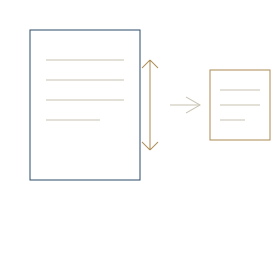
How it works
Compression that's honest about the trade-off
Heavier compression means a smaller file and softer images; lighter compression keeps images sharper but saves less space. Rather than hiding that choice behind one button, the tool lets you pick the level.
After compressing you see the original size next to the new one, so you know whether it’s small enough for the email or upload form you’re fighting with.
- Choose the compression level
- See original and compressed sizes
- Change the file and try again
- Processed in your browser — nothing is uploaded
Step by step
How to compress a PDF.
01
Add your PDF
Choose one PDF file. The tool works on one file at a time.
02
Pick a compression level
Heavier compression gives a smaller file and softer images. Lighter compression keeps images sharper and saves less space.
03
Compare and download
See the original and new sizes side by side, then download. If it isn’t small enough, change the level and compress again.
Questions
Compress PDF questions.
Will compressing lower the quality?
It can soften images. Heavier compression makes a smaller file with softer images, so you choose the level that suits your document.
Can I compress several PDFs at once?
No. It handles one file at a time, but you can change the file and compress again.
Are my files uploaded?
No. The tool runs in your browser, so your files stay on your device.
Is this tool free?
Yes. It is free to use, and it runs in your browser.